WEBSITES
Who Owns Your Website?
Check who controls your domain, hosting, website files and editing access, and what to agree before someone builds your site.
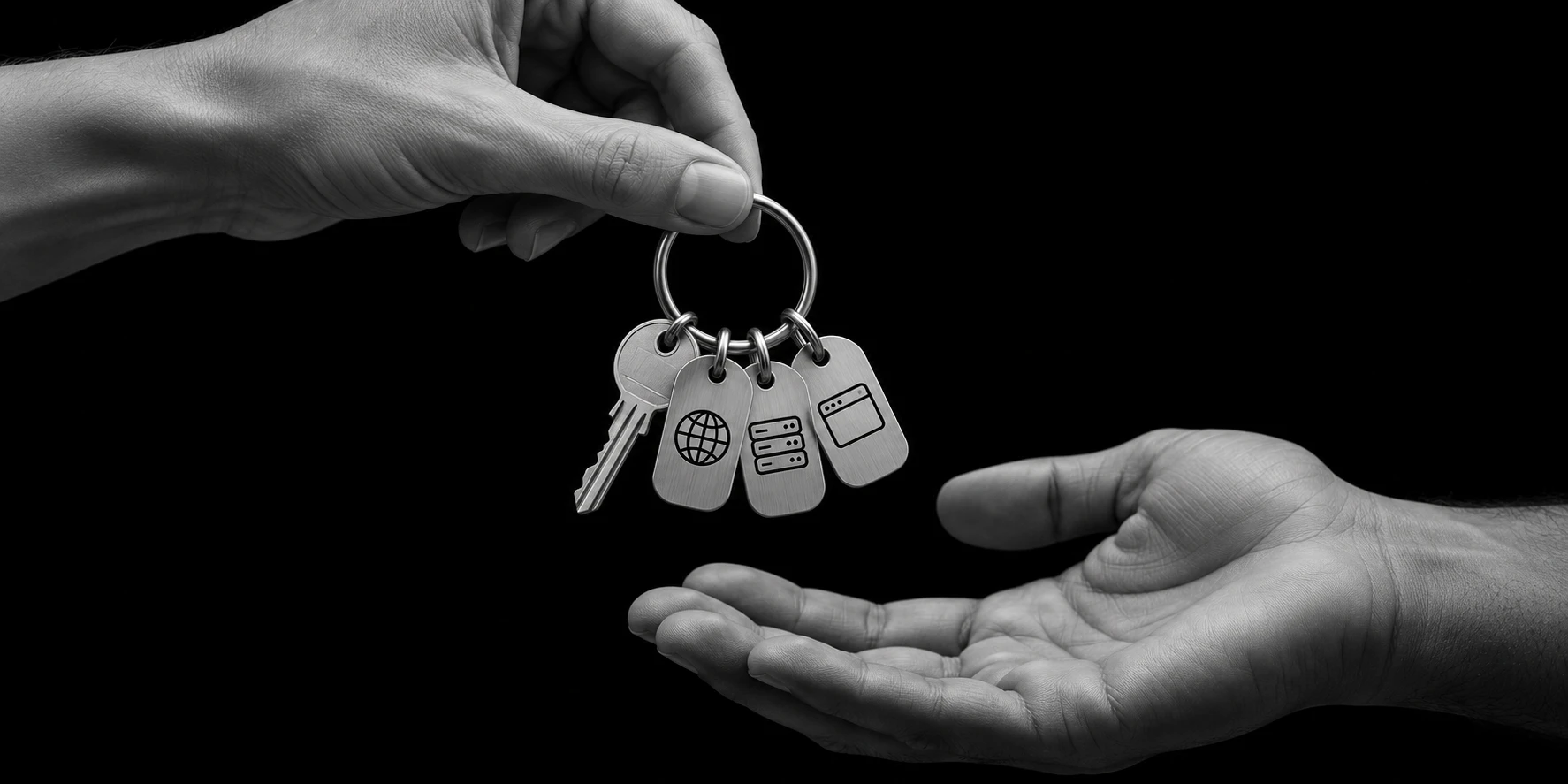
Most business owners assume they own their website because they paid for it. But paying for a build doesn’t automatically mean you own every part of it or have everything you need to move it elsewhere.
You tend to find that out at the worst moment: when you want to change agency, move host, or something breaks and you can’t get in.
Here’s what to check before, during and after a build.
Your Domain
Your domain (the yourbusiness.co.uk bit) is your address online. It can also be used for your business email, so keeping control of it matters beyond the website itself.
It should be registered to you or your business, with an account you control. We’d always rather you bought it yourself and gave us access to connect things up. It keeps things simple and means you don’t depend on someone else to renew it or make changes.
Log in to the company you bought it through and check the registrant details, not just the billing name. The registrant is the person or organisation the domain is registered to. Make sure the contact email is one you control, check the renewal date and keep the payment details current.
A public domain lookup can provide useful information. Use Nominet’s Domain Lookup for a .uk domain. The result normally hides the registrant’s name and address unless permission has been given to display them. A hidden name doesn’t mean there’s a problem, and being able to log in doesn’t by itself confirm the registration is correct.
If you can’t find or understand the details in your account, ask the domain provider to confirm who it’s registered to and how to correct anything that’s wrong.
Your Files and Ownership
There are two things to agree here: what you’ll receive at handover and what rights you’ll have to use and change it.
For a standalone coded website, agree that you’ll receive the source files, the assets you’re entitled to use and the instructions needed to build, run and update the site. If the website relies on a database or another service, ask what access or export you’ll need for those as well.
That’s how we approach our standalone coded builds. Once the project is complete, we hand over the website files so you can keep the site with us for future changes or take it to someone else. We’d be sorry to see you go, but we understand things change. No hard feelings.
Having the files isn’t the same as owning every copyright. In the UK, copyright in commissioned work generally starts with its creator unless agreed otherwise in writing. Ask the contract to explain what ownership transfers to you, when that happens and what you’re licensed to use. A copyright transfer needs a written agreement signed by the copyright owner.
Stock photographs, fonts, software and other third-party materials may remain subject to their own licences. You need permission to use them as intended, rather than a promise that you own them outright.
If the site is built on a hosted platform, the handover may centre on your account and permissions rather than a complete set of files you can run elsewhere. Ask what can be exported and what would need rebuilding if you left. Don’t assume every website can simply be copied to another host.
Your Hosting
Hosting is where the site lives so people can visit it. We don’t sell hosting, so for our standalone coded websites you arrange it in your own name. We can suggest providers and prepare the website files for the agreed setup.
With a hosted website builder, hosting may already be part of your subscription. You may not need a separate hosting account, but you should still control the platform account and understand what you’re paying for.
Whichever route you choose, know who pays the bill, when it renews, what backups are available and who to contact if the site goes down.
Can You Edit It Yourself?
Here’s something we think gets missed. A lot of owners assume every website has a dashboard where they can swap an image or update some wording. That’s common with platforms such as WordPress and Wix, but it isn’t included in every build.
A coded website can have an editing system, but someone needs to include and set it up. Without one, changes usually involve editing the files and publishing an updated version.
If you’d like to make changes yourself, tell us at the start. Explain what you want to update and how often, whether that’s photographs, prices, service descriptions or articles. It affects how the site should be built and what support you’ll need afterwards.
It’s Your Business, So We Need You
You know your business, your customers and the details of your services far better than we do. We bring the marketing experience to help turn that knowledge into clear wording and a website that fits.
That’s why we agree each stage with you before moving on. We’ll need your input on the business information, any photographs you can supply, how customers should contact you and anything the site must or mustn’t say.
You don’t need to arrive with all the copy written or the design worked out. We’ll guide those decisions with you. There’s nothing worse than reaching the end of a build with almost no feedback, only to hear, “I hate it.” Regular check-ins stop the site drifting away from what you actually wanted.
Three Questions Worth Asking
- Who controls the domain, hosting and website accounts?
- What rights and files will I receive when the build is finished?
- If I want to leave later, what can I take with me and what would need rebuilding?
For the wider project checklist, read “What to Agree Before Your Website Build Starts”. That covers the brief, price, feedback and timetable before work begins.
Check You Have the Access You Need
Whoever built your site, make sure you can:
- Access the domain account and check the registration and renewal details.
- Access your hosting or website platform account with the appropriate owner or administrator permissions.
- Use the editing tools included in your build, if you’ve agreed to make updates yourself.
- Get the source files and other handover materials agreed for a standalone coded site.
- Recover the main accounts using contact details you control.
- Find out how to restore a backup or unpublish the site if necessary, and who can help.
You don’t need to know how to do every technical job yourself. You do need to know what you control, what you’ve agreed and how someone else could take over if needed.
If any of that is unclear, ask now. It’s much easier before there’s a problem.
Related service: Websites